Tiny Desk AI Template: Outstanding
Last updated:
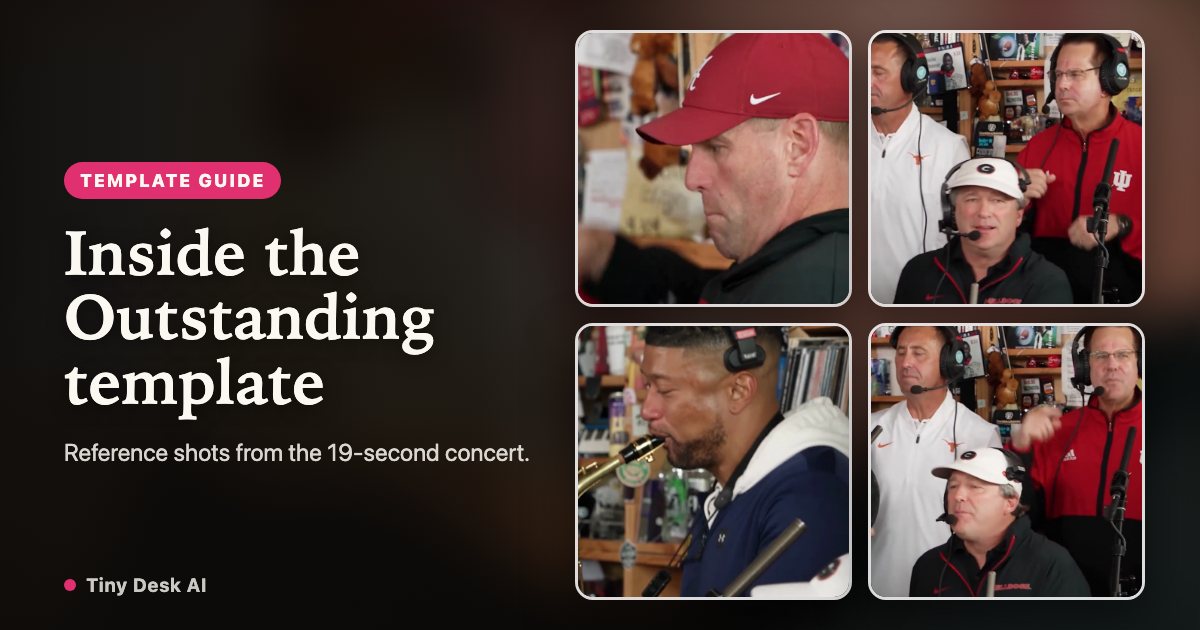
The Outstanding Tiny Desk AI template supplies the performance setting and camera sequence. Your choice is the cast: one lead portrait can fill the band, or you can give each role a different consenting adult. This is a reference-based edit, not a new concert recording.
Use this concert template
The reference scene and shot sequence are built in. Choose your own lead and optional band portraits in the maker.
Cast this templateWhat the template fixes, and what you choose
The format is 19 seconds in 9:16. You choose photos for 5 positions and select Standard or HD. The reference supplies the staging, instruments and shot order. The editor is instructed to preserve those details, but output can drift; inspect the finished video rather than assuming every object stays unchanged.
Five shots in the reference concert
Approximate times below describe the reference shown on this site. They are a guide to which face will be visible, not a promise of frame-perfect model output.
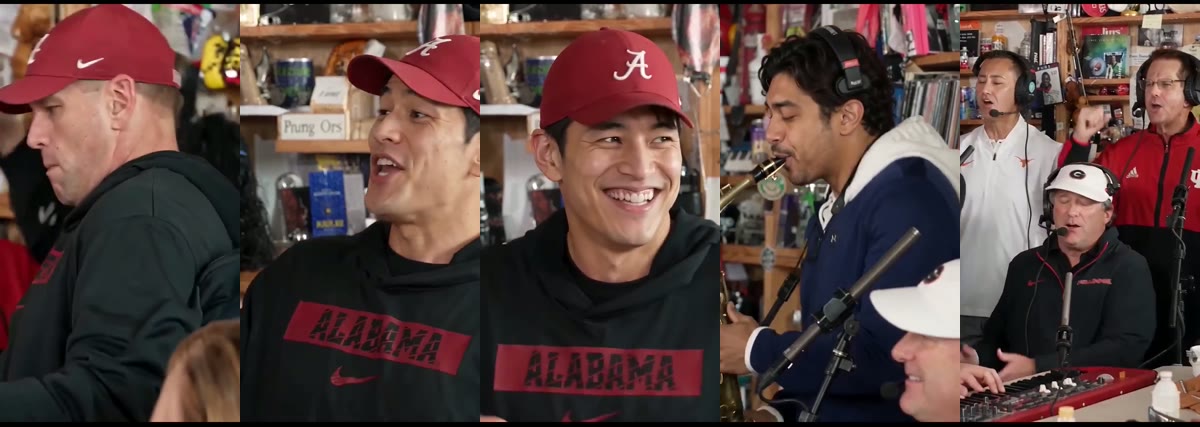
0:00–0:01.4 · Lead close-up
The opening isolates the lead. Use the clearest portrait for this role because facial identity is easy to judge when a face fills the frame.
0:01.4–0:06.7 · Desk and backing singers
The keyboard player and two backing singers appear together. Back left and back right mean the positions as seen by the viewer. Check the role thumbnails rather than reversing them to match the performer’s perspective.
0:06.7–0:13 · The lead laughs
The lead returns for the sustained expression change. Watch this section for face drift around the mouth, turning head and raised hand. HD cannot fix an unclear identity reference.
0:13–0:16.4 · Saxophone solo
The sax player has a separate close-up while the front performer is also visible. A clear sax portrait matters even though the role appears for a shorter time.
0:16.4–0:19 · Band finale
The lead, keys and backing singers return together. Compare their faces with earlier shots and check that identity remains consistent after the cut.
One person as the whole band, or a group cast?
For an “I am the whole band” version, add only your lead photo; empty roles reuse it. For a group-chat cast, add a separate photo for each friend. An adult birthday group or a farewell band can work as a casting idea when everyone has agreed to take part. Group photos do not assign faces to individual seats.
Is this a CapCut template or a prompt?
The template is built into this tool. You do not upload a reference video or write a scene prompt in the form. CapCut or another editor can be used later for captions, audio and your own edit; using one is optional. A custom prompt in a separate model may create a different scene and timing.
The song and the silent download
The live workflow adds the configured reference audio to the edited shots. The original MP4 preserves the completed file; the silent version removes its audio track without another AI generation charge. Use the silent file when adding music in a social app or editor, and choose audio you are allowed to share. Neither version grants music rights or guarantees lip sync.
Credits and current examples
Standard uses 100 credits and HD 300; selecting more roles does not change that tier’s cost. Both are 19 seconds. The displayed examples are real 4-second model samples. AI can alter details beyond facial identity, so review every finished video before sharing.
Step into your Tiny Desk AI concert
Start my concert