Tiny Desk AI Example: 5 Photos, 19 Seconds
Last updated:
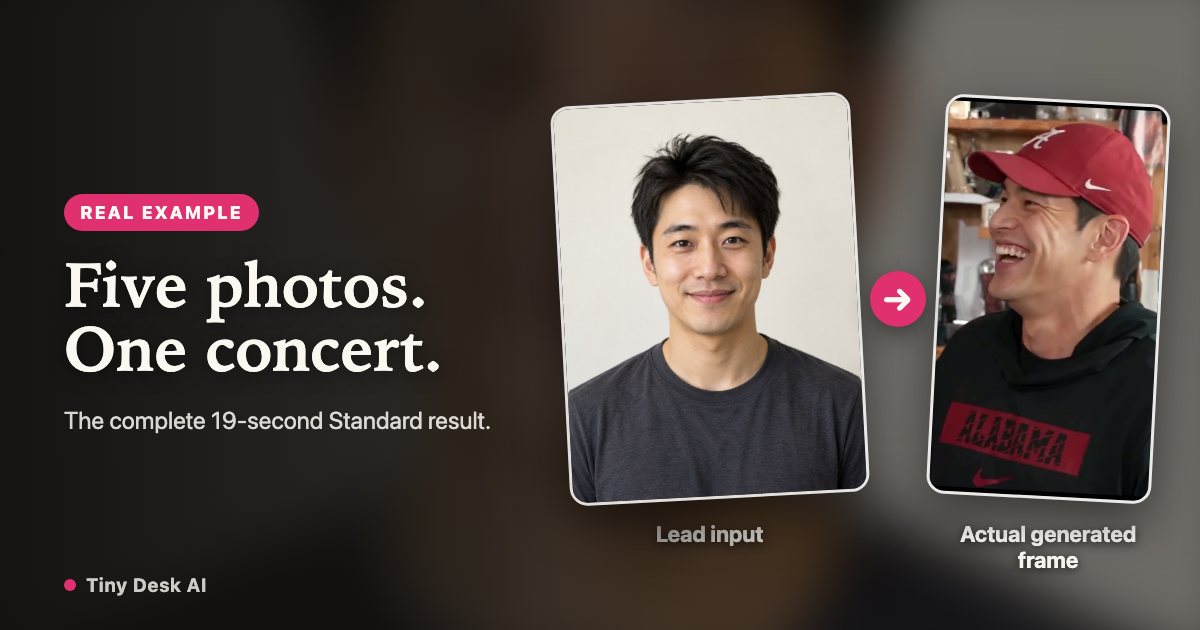
A short face edit shows only part of a concert. This example follows five fictional adult portraits through one complete Standard generation, so you can compare the inputs with every camera cut before buying.
Make a concert with your own cast
Start with a lead portrait and add other consenting adults if you want different people in the band. Unfilled roles reuse the lead photo.
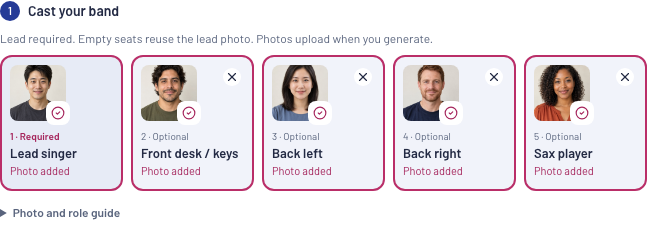
Choose my bandThe five input photos and their roles
The inputs are AI-generated fictional adults. From left to right: the lead singer, front-desk keyboard player, backing singer on the viewer’s left, backing singer on the right, then sax. These are the actual photos submitted for this result.
Watch the complete generated result
This is the saved production result, not the reference video or a stitched selection of best moments. It plays from beginning to end with the reference audio.
What to inspect across camera cuts
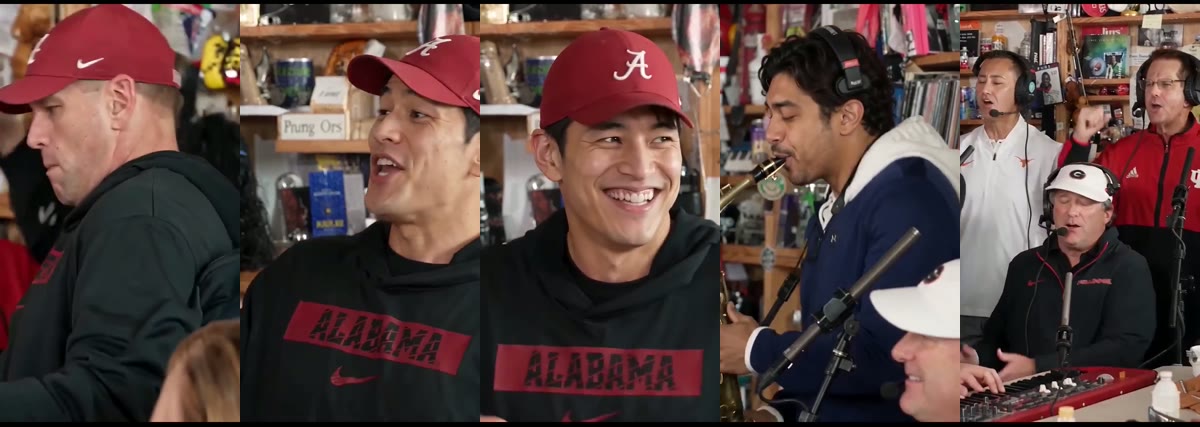
Compare the lead in the opening, the laughing close-up and the return to the band. Check the sax separately, then both backing singers. In this result identity is less consistent in parts of the opening and final band shot; the upload labels describe the requested roles, not a guarantee that every face stays unchanged.
Do not judge a whole concert from one flattering frame. Watch hands, mouths, instruments and the transitions as well as faces.
What this example does and does not establish
It demonstrates a complete five-input, 19-second Standard workflow and a finished downloadable file. It does not demonstrate HD output, a fixed generation time, cloned voices or identical quality for another set of photos. The earlier four-second lead and band tests remain available on the home page.
A new video is a new AI generation. Review the displayed credit total before starting; confirmed failed renders return their credits.
Use the finished video
Download your own result from My videos before its 30-day retention ends. The original MP4 keeps its audio; the silent download is useful when you want to add a permitted soundtrack in your editor. Label the fictional performance as AI-generated when posting.
Step into your Tiny Desk AI concert
Start my concert