Tiny Desk AI guides
Understand the Outstanding meme, inspect the concert template, find the original song, prepare portraits and follow the Tiny Desk AI video tutorial, then open the separate prompt guide if you prefer to do the edit yourself.
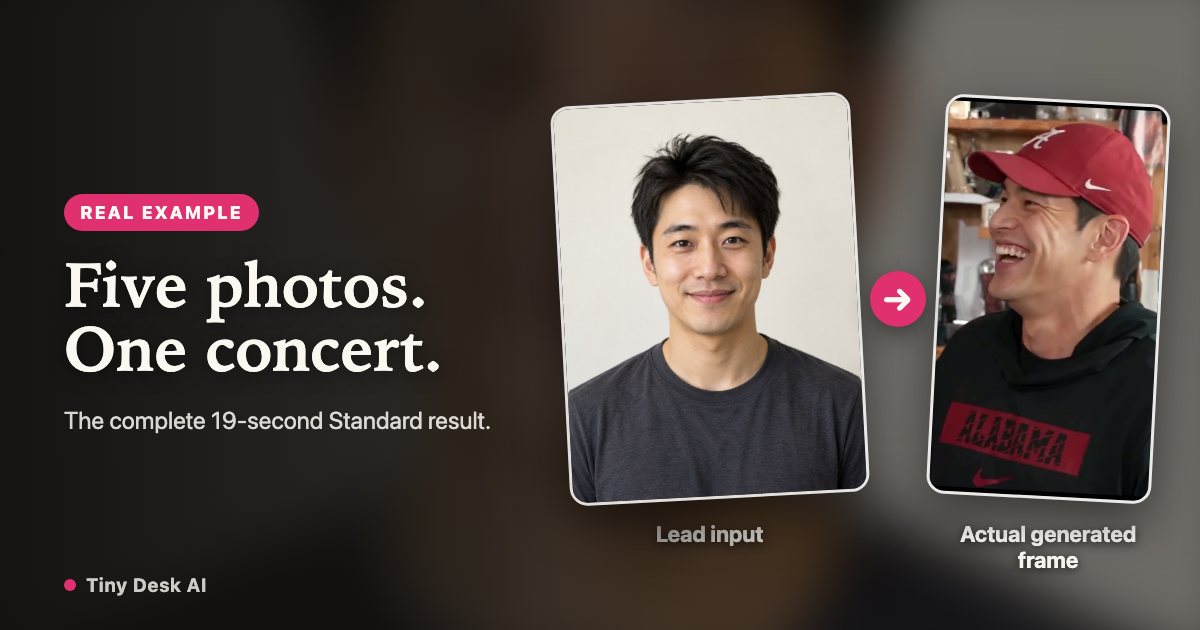
Tiny Desk AI Example: 5 Photos, 19 Seconds
Inspect a complete Tiny Desk AI result: five input portraits, assigned band roles, actual concert frames and a full 19-second Standard video with sound.
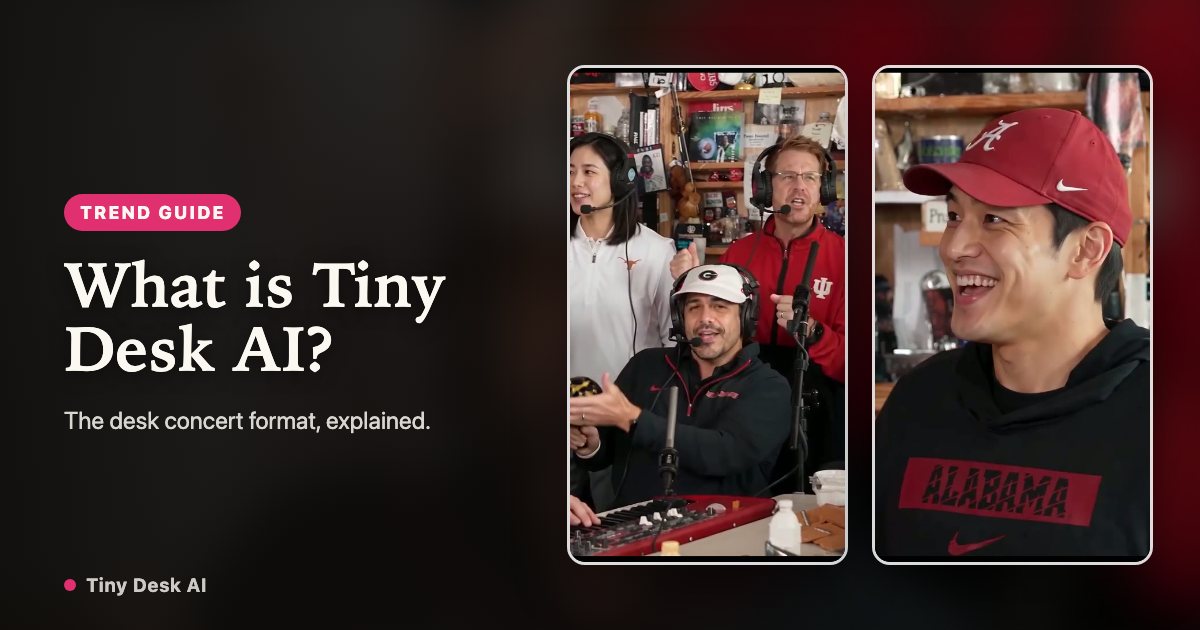
The Tiny Desk AI Meme & Outstanding Trend
What is Tiny Desk AI? Learn how the Outstanding desk concert meme uses photos, a performance template and audio, and how a remix differs from the original.
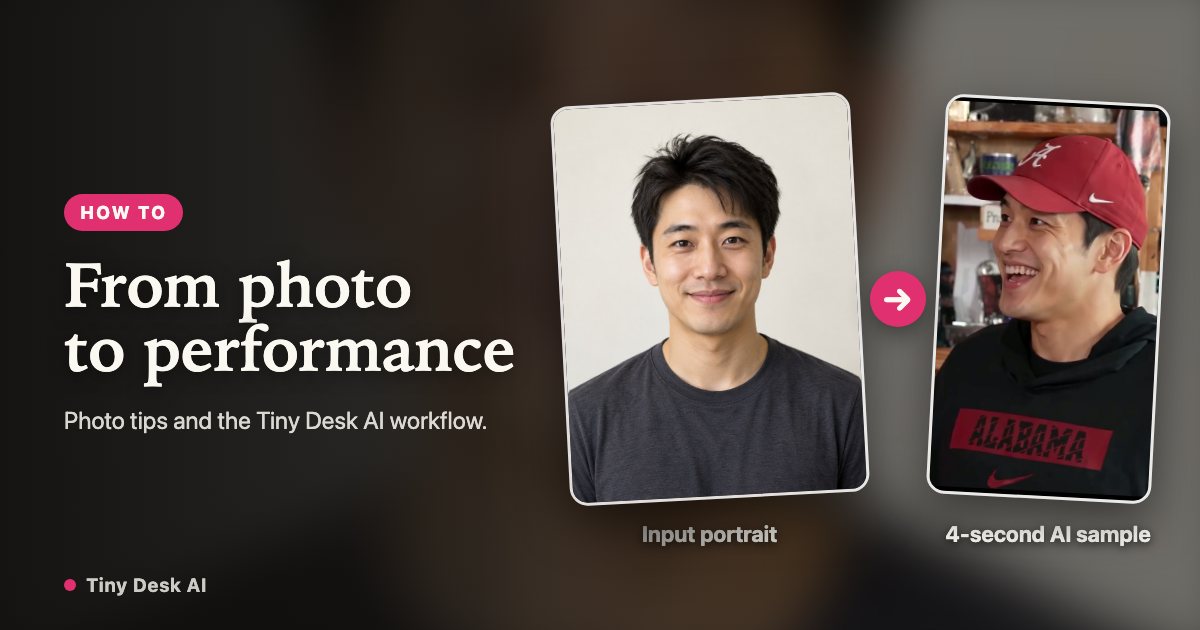
How to Make a Tiny Desk AI Video
Make a Tiny Desk AI video from photos: choose the lead and band, use the concert template, compare Standard and HD credits, then review and download the MP4.
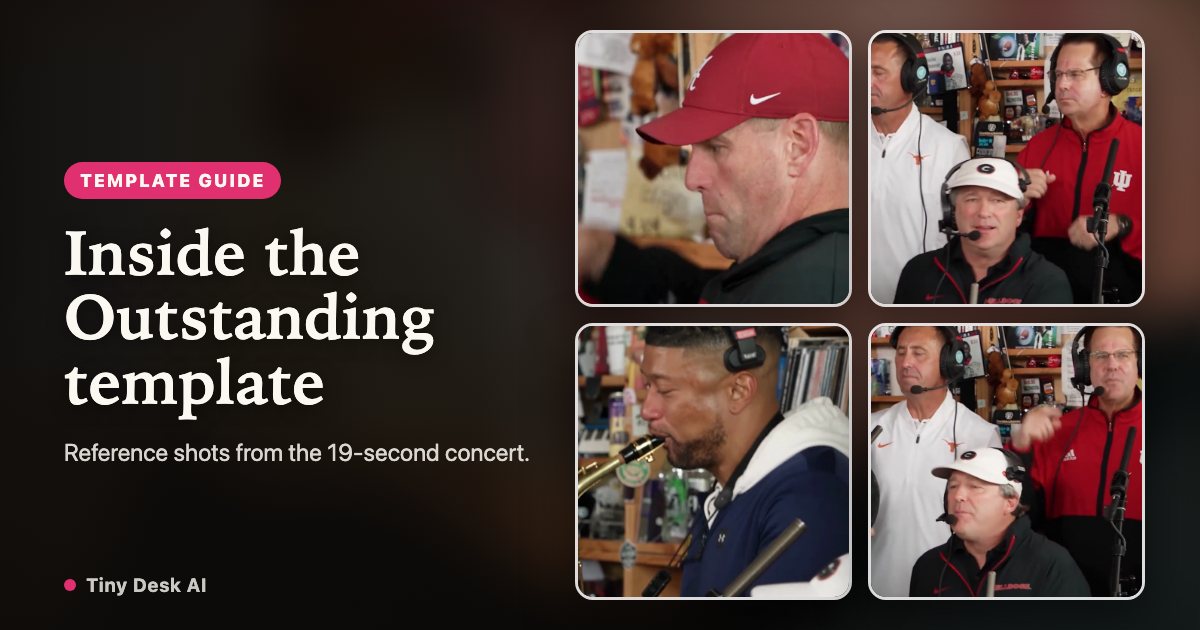
Tiny Desk AI Template: Outstanding
Explore the Outstanding Tiny Desk AI template: five shots, band roles, photo choices and fixed timing. Learn what changes and how to download a silent MP4.
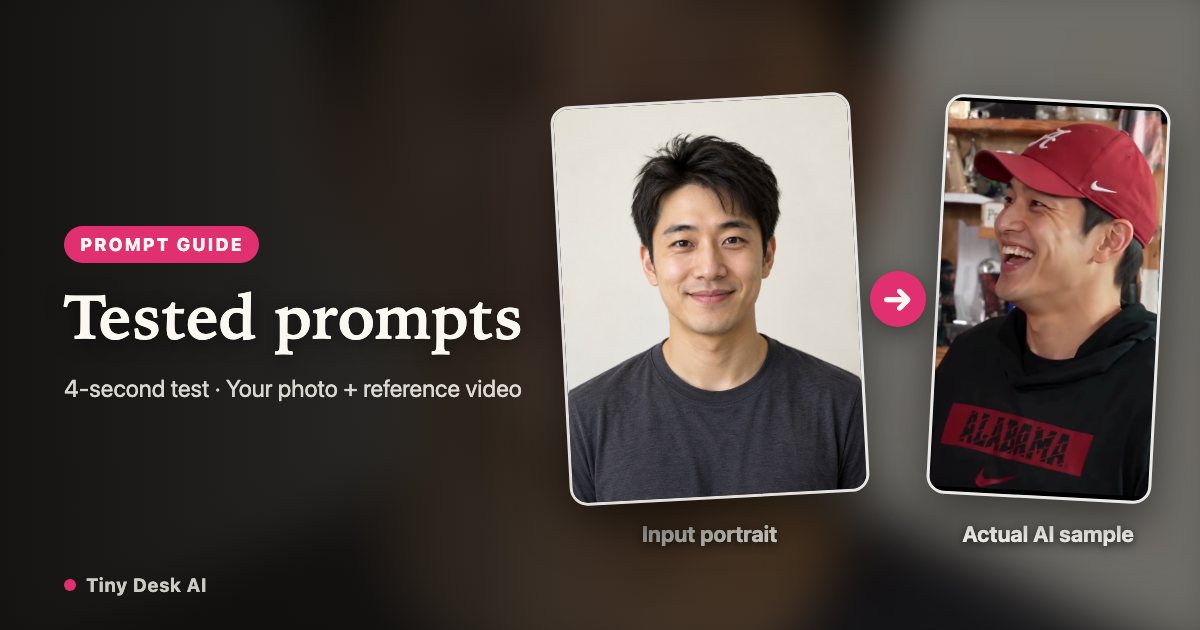
Tiny Desk AI Prompt: Tested Video Edits
Copy two tested Tiny Desk AI video prompts for a lead singer and a three-person band. See the reference inputs, result limits and a ready-made option.
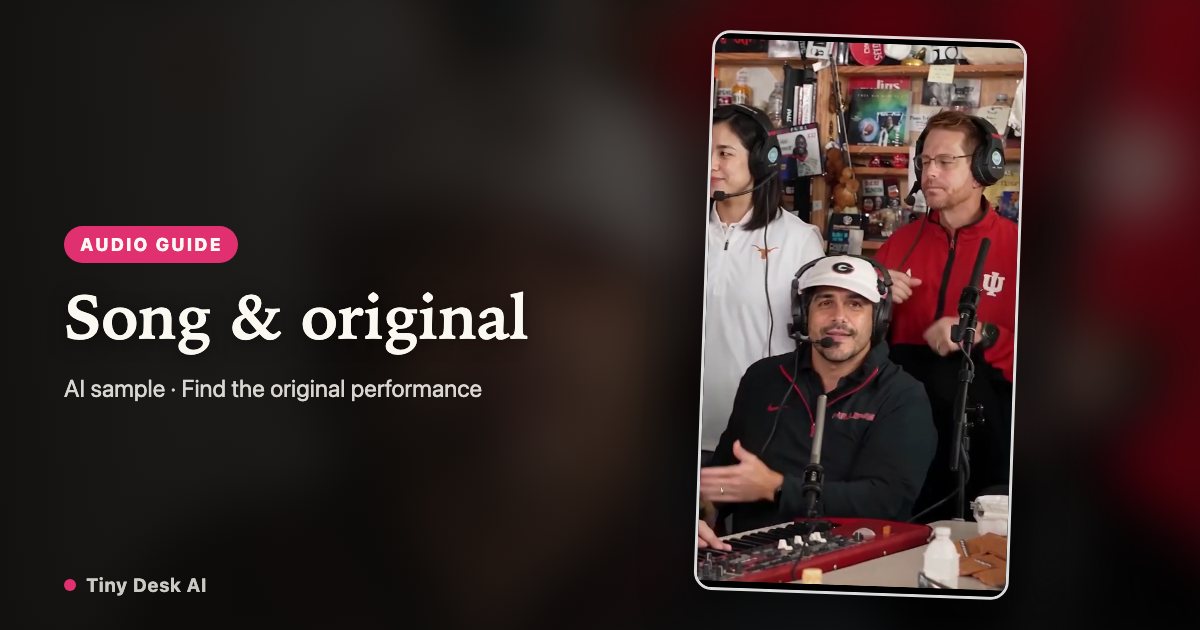
Tiny Desk AI Song: Outstanding & Original
Find the original Outstanding performance behind the Tiny Desk AI meme, understand the song and AI remix, and choose the right audio download.
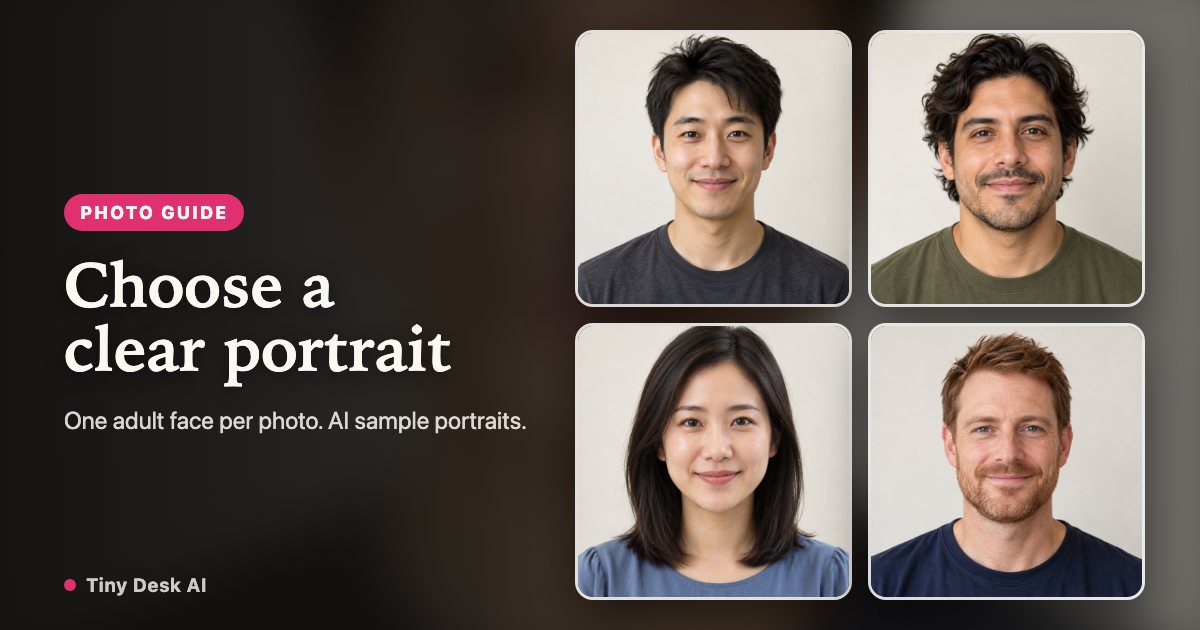
Tiny Desk AI Photo Guide
Choose photos for a Tiny Desk AI video: compare clear portraits with risky inputs, assign each band role and check face consistency before sharing the MP4.
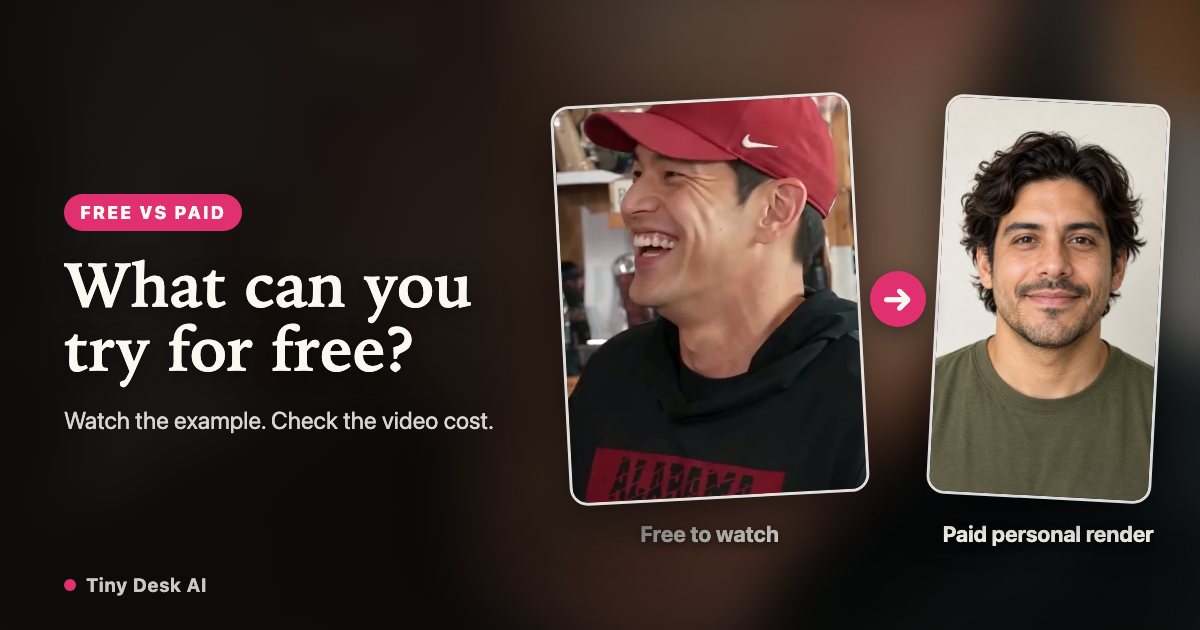
Tiny Desk AI Free: What You Can Try
Can you make a Tiny Desk AI video for free? Watch complete examples, read the template and prompt guides, and see exactly which steps use paid credits.